FrameShots
4.2.0
Download link - ddownload
5
How to install FrameShots 4.2.0?
1. Download the ZIP file.
2. Install the Split APKs Installer application
3. Open the application and click on "Install APKs".
4. Find the folder where the downloaded ZIP is located and select it.
5. Follow the steps that appear on the screen.
Report this app
Description

FrameShots
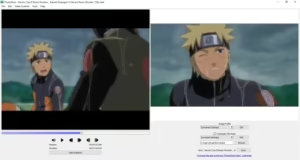
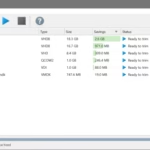
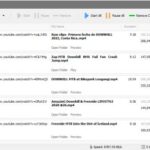
FrameShots was created as a very simple, powerful video image capture program. The software will capture images from video like your MPEG, DivX, Xvid, WMV, AVI or any other movie files that you have. You can quickly and easily skip frame by frame in the video file to capture exactly the right frame of video for your thumbnail and save it to an image file.
What's new
Images