Icecream Screen Recorder Pro (x64) Multilingual
27.6 MB
7.49
9647
Description
Icecream Screen Recorder Pro
Icecream Screen Recorder PRO is a program that lets you record video from your computer screen and take screenshots of both the entire window and a selected area. The application offers a complete set of essential tools for professional screen recording with audio, while being intuitive and easy to use. Recording games, Skype, webinars, and much more has never been easier.
Icecream Screen Recorder Pro Features
Screen Recording
Record your entire screen or select an area to record.
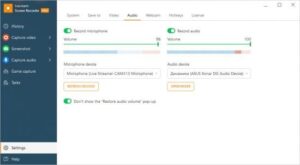
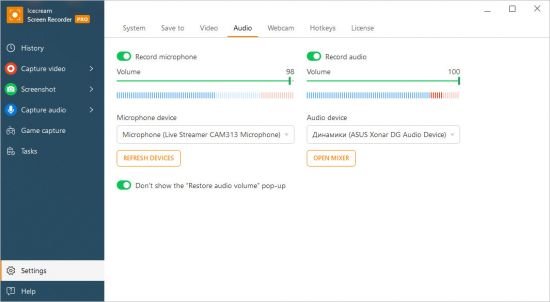
Record Audio
Record microphone and system sounds
Comments
Add text, arrows, and shapes to screen recordings and screenshots.
Record online courses
Record webinars and stream online videos
Webcam Recording
Capture video from your screen along with your webcam image.
Last Zone
Easily and quickly start recording using the last selected zone
Game Recording
Record flash games and full-screen 3D games
Add Your Logo
Add your own watermark to your screen recording
Share Videos
Easily upload screen recordings to YouTube, Dropbox, and Google Drive
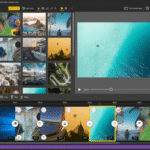
Trim Video
Change the start and end points of your recording if necessary.
The settings
are up to you: whether to remove the mouse, disable the screensaver, hide icons on the desktop, etc.
Change Speed ??Speed
??up or slow down your recorded videos
Converting
Using the program, you can change the video format after capturing the screen
Display Hotkeys
Show the hotkeys you press while recording your screen video.
Set a recording timer
Set screen recording tasks on a timer
Cursor Effects
Add mouse click animations to your recorded videos.
Copy to clipboard
Copy video screen recordings and screenshots to the clipboard to quickly share them in Messenger.
Notes
Portable (portable app format) version
No registration required
Multilingual interface
No installation required
Program launch file IcecreamScreenRecorderPortable.exe
Images