MobiKin Eraser for Android Multilingual
5.1.28
Download link - filedot
5
How to install MobiKin Eraser for Android 5.1.28 Multilingual?
1. Download the ZIP file.
2. Install the Split APKs Installer application
3. Open the application and click on "Install APKs".
4. Find the folder where the downloaded ZIP is located and select it.
5. Follow the steps that appear on the screen.
Report this app
Description
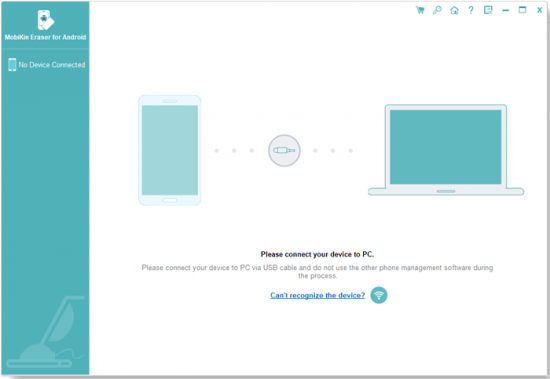
MobiKin Eraser for Android
As a professional Android data eraser, MobiKin Eraser for Android allows users to erase all existing, deleted, private data and system settings, etc. from all kinds of Android phones or tablets without opportunity of recovery.
Images