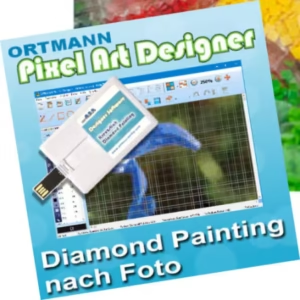
Ortmann Pixel Art Designer
8.0.3.001
Download link - filedot
5
How to install Ortmann Pixel Art Designer 8.0.3.001?
1. Download the ZIP file.
2. Install the Split APKs Installer application
3. Open the application and click on "Install APKs".
4. Find the folder where the downloaded ZIP is located and select it.
5. Follow the steps that appear on the screen.
Report this app
Description
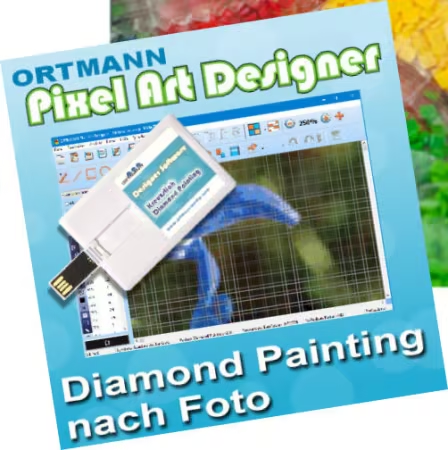
Ortmann Pixel Art Designer
With our new software ORTMANN Pixel Art Designer you can create Diamond Painting templates based on your own photo. Also for other techniques, such as Mini Steck Lego Mosaic etc.
Images