Pazu All-In-One Music Converter Multilingual
3.1.8
Download link - filedot
5
How to install Pazu All-In-One Music Converter 3.1.8 Multilingual?
1. Download the ZIP file.
2. Install the Split APKs Installer application
3. Open the application and click on "Install APKs".
4. Find the folder where the downloaded ZIP is located and select it.
5. Follow the steps that appear on the screen.
Report this app
Description
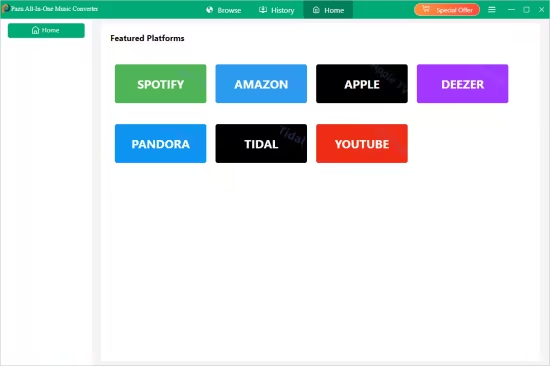
What's new
- Fixed Amazon Music download failure due to website update.
- Fixed Amazon Music download failure in some regions.
- Fixed the issue that some Amazon playlists fail to load.
- Fixed the issue that Amazon Music states that a membership account is required to download content in some regions, such as Mexico.
- Fixed SoundCloud music download failure due to website update.
- Fixed Spotify music download failure in some cases.
- Fixed some YouTube Music songs download failure.
- Fixed YouTube Music songs download failure when not logged in.
- Fixed TIDAL music download failure in some cases.
- Other detail optimizations.
Images