Zoom Player MAX RC3
How to install Zoom Player MAX 23.0 RC3?
1. Download the ZIP file.
2. Install the Split APKs Installer application
3. Open the application and click on "Install APKs".
4. Find the folder where the downloaded ZIP is located and select it.
5. Follow the steps that appear on the screen.
Description
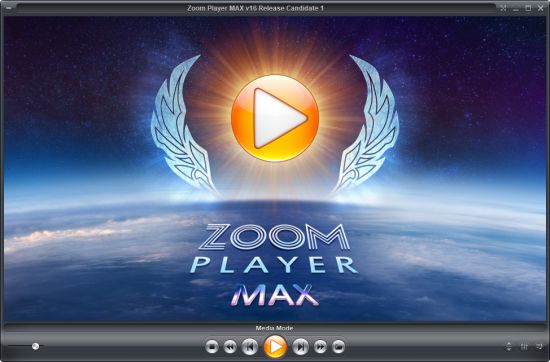
Zoom Player MAX
Zoom Player is the most Powerful, Flexible and Customizable Media Player application for the Windows PC platform. Based on our highly-touted Smart Play technology, more media formats play with less hassle, improved stability and greater performance Behind Zoom Player’s classic media player look, hides a powerful Media Center application designed with a simple 5-Key (up/down/left/right/select) fullscreen navigation interface. The 5-Key system provides simple navigation with advanced interfaces. Interface such as the Media Library, File Browser, Playlist, Color Control, Audio Equalizer, Bookmarks, Play History and many more. Zoom Player’s media center simplicity makes it ideal for users with no previous computer experience.
What's new
Images