AI Grammar Studio
How to install AI Grammar Studio 1.4.0?
1. Download the ZIP file.
2. Install the Split APKs Installer application
3. Open the application and click on "Install APKs".
4. Find the folder where the downloaded ZIP is located and select it.
5. Follow the steps that appear on the screen.
Description
AI Grammar Studio
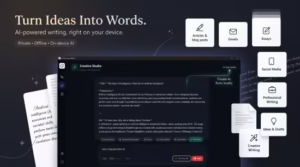
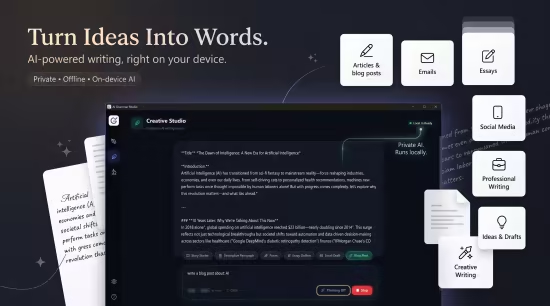
Private intelligent writing assistant powered by local on-device AI. Write better. Create smarter. Stay private. AI Grammar Studio is a modern, privacy-first writing assistant with **offline grammar correction, on-device AI, and Creative Studio** for generating and improving content.
Grammar Correction
Quick & AI modes for fast, intelligent fixes.
Creative Studio
Generate, rewrite, and refine content.
Voice Change
Transform your writing style while keeping the meaning.
Grammar Degree
Control how lightly or deeply your text is corrected.
Grammar Analysis
Explore clauses, parts of speech, and tenses.
Offline & Private
Your writing stays on your device.
Correct. Create. Understand. Write your way.Release Notes
System Requirements
Windows 10 version 17763.0 or higher
What's new
Images