AI Text To Image Generator Pro
1.2.20
Download links
5
How to install AI Text To Image Generator Pro 1.2.20?
1. Download the ZIP file.
2. Install the Split APKs Installer application
3. Open the application and click on "Install APKs".
4. Find the folder where the downloaded ZIP is located and select it.
5. Follow the steps that appear on the screen.
Report this app
Description
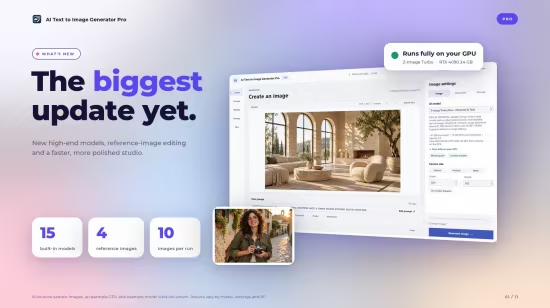
AI Text To Image Generator Pro
Unleash your creativity with AI Text to Image Generator, the ultimate desktop app for turning your words into stunning, high-quality art. Whether you’re a digital artist, designer, or hobbyist, our powerful AI image generator gives you direct access to state-of-the-art models like Flux, Stable Diffusion, Juggernaut XL, and more—right on your PC.
Images