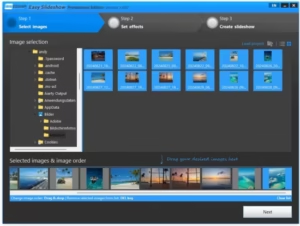
ASCOMP Easy Slideshow Professional 2.202 Multilingual
2.203
Download links
5
How to install ASCOMP Easy Slideshow Professional 2.202 Multilingual?
1. Download the ZIP file.
2. Install the Split APKs Installer application
3. Open the application and click on "Install APKs".
4. Find the folder where the downloaded ZIP is located and select it.
5. Follow the steps that appear on the screen.
Report this app
Description
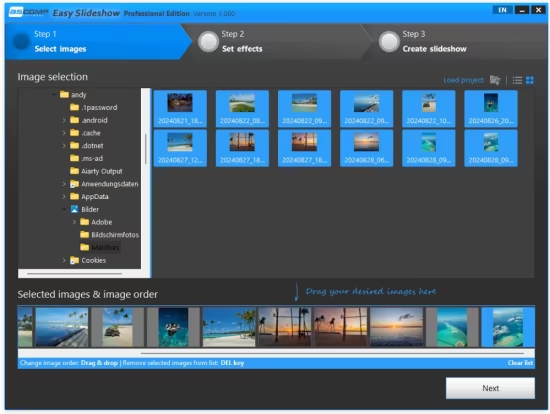
ASCOMP Easy Slideshow Professional
Create Stunning Slideshows with Ease! Easy Slideshow turns your photos into impressive slideshows – with music, effects, and 4K video export.
Images