Asoftis Video Converter Multilingual
1.5.2
Download links
5
How to install Asoftis Video Converter 1.5.2 Multilingual?
1. Download the ZIP file.
2. Install the Split APKs Installer application
3. Open the application and click on "Install APKs".
4. Find the folder where the downloaded ZIP is located and select it.
5. Follow the steps that appear on the screen.
Report this app
Description
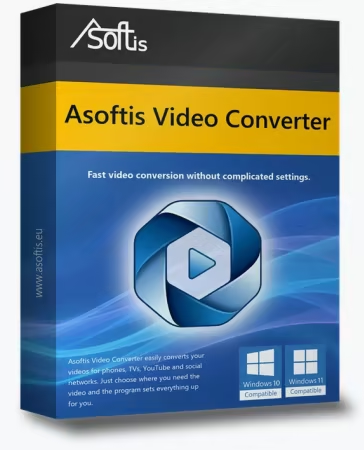
Asoftis Video Converter
Asoftis Video Converter converts videos and extracts audio from them – no knowledge of codecs and bitrates needed. Instead of technical parameters it offers ready-made presets such as “For mobile”, “For TV” or “For YouTube”: just choose where you need the video and the program picks the right settings for you. The interface is in English, Czech, Slovak and Polish, with large buttons and a simple workflow.