Coolmuster Android Eraser Multilingual
4.1.36
Download links
5
How to install Coolmuster Android Eraser 4.1.36 Multilingual?
1. Download the ZIP file.
2. Install the Split APKs Installer application
3. Open the application and click on "Install APKs".
4. Find the folder where the downloaded ZIP is located and select it.
5. Follow the steps that appear on the screen.
Report this app
Description
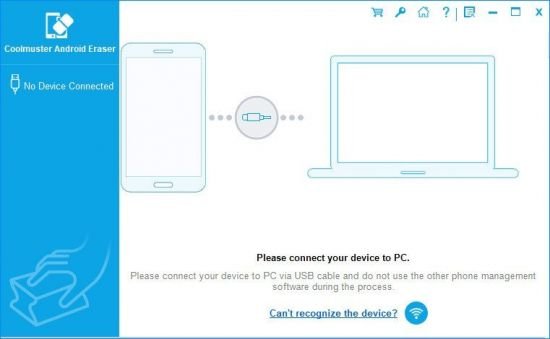
Coolmuster Android Eraser
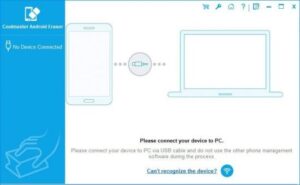
The Android Eraser is the most ideal privacy protector, which is designed to erase all personal information from your Android devices without any recovery possibility. And totally it returns your Android device to a “Clean Slate” state so that you can resell or donate it trustingly.
Images