Text-R Professional Multilingual
3.000
Download links
5
How to install Text-R Professional 3.000 Multilingual?
1. Download the ZIP file.
2. Install the Split APKs Installer application
3. Open the application and click on "Install APKs".
4. Find the folder where the downloaded ZIP is located and select it.
5. Follow the steps that appear on the screen.
Report this app
Description
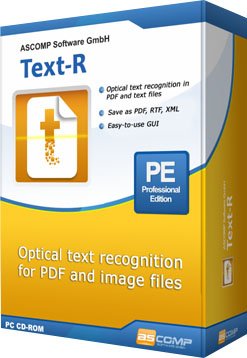
Text-R Professional
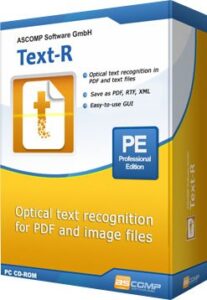
Text-R: Simple optical text recognition (OCR) for Windows. The problem: PDF files and images from a scanned paper document contain text that cannot be copied or edited. However, manual typing is not possible due to the size of the document and the high time involved.
Images